How to Share Your Medical Report With Your Doctor on WhatsApp
The WhatsApp Problem
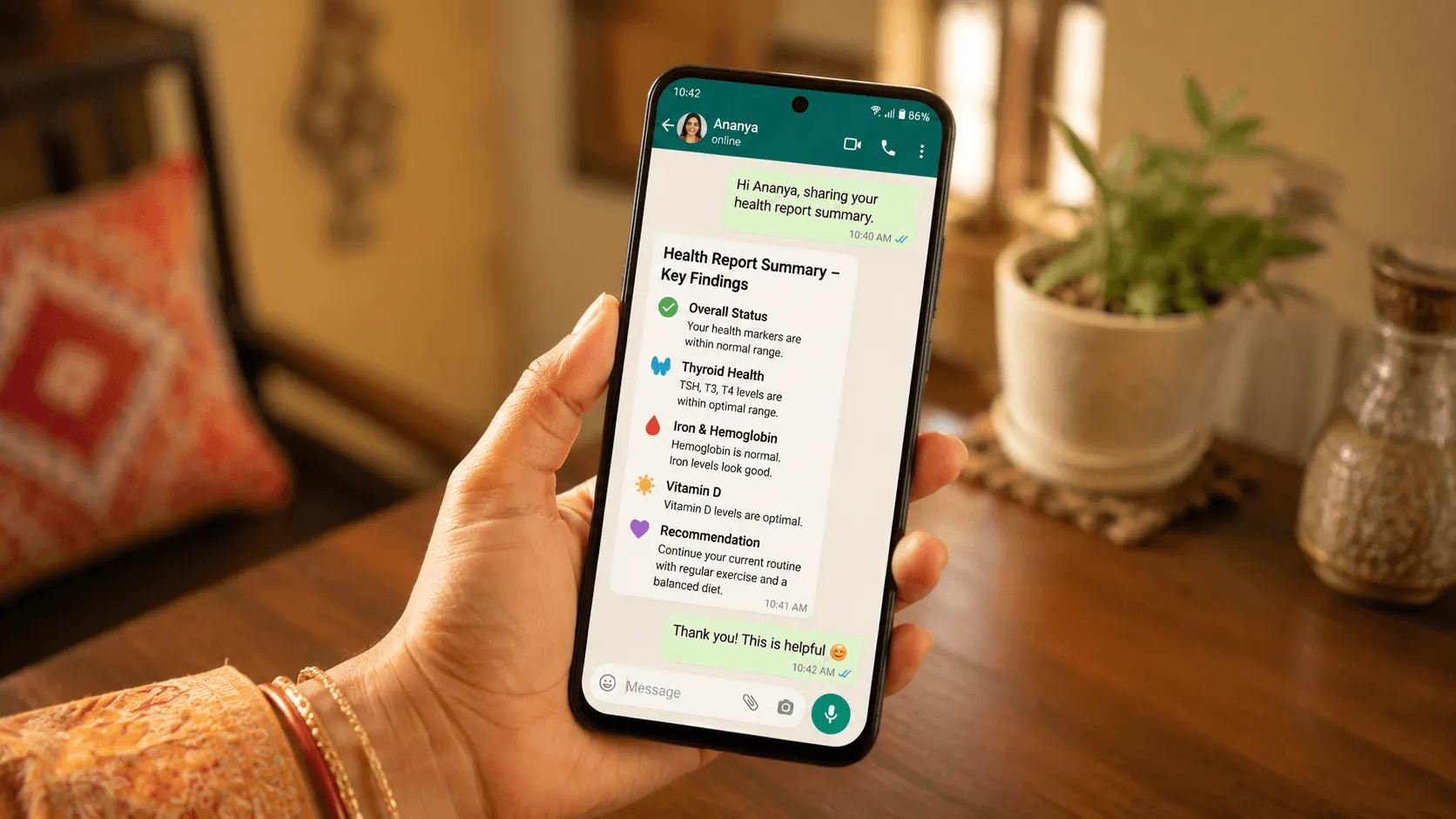
In India, WhatsApp is how we communicate with doctors. But sending a raw PDF or blurry photo of your lab report is not ideal — doctors get dozens of these daily, and most are hard to read on a phone screen.
What is Doctor Pack?
Doctor Pack is Ashvi's feature that creates a professional, mobile-friendly health summary designed specifically for sharing on WhatsApp. It includes:
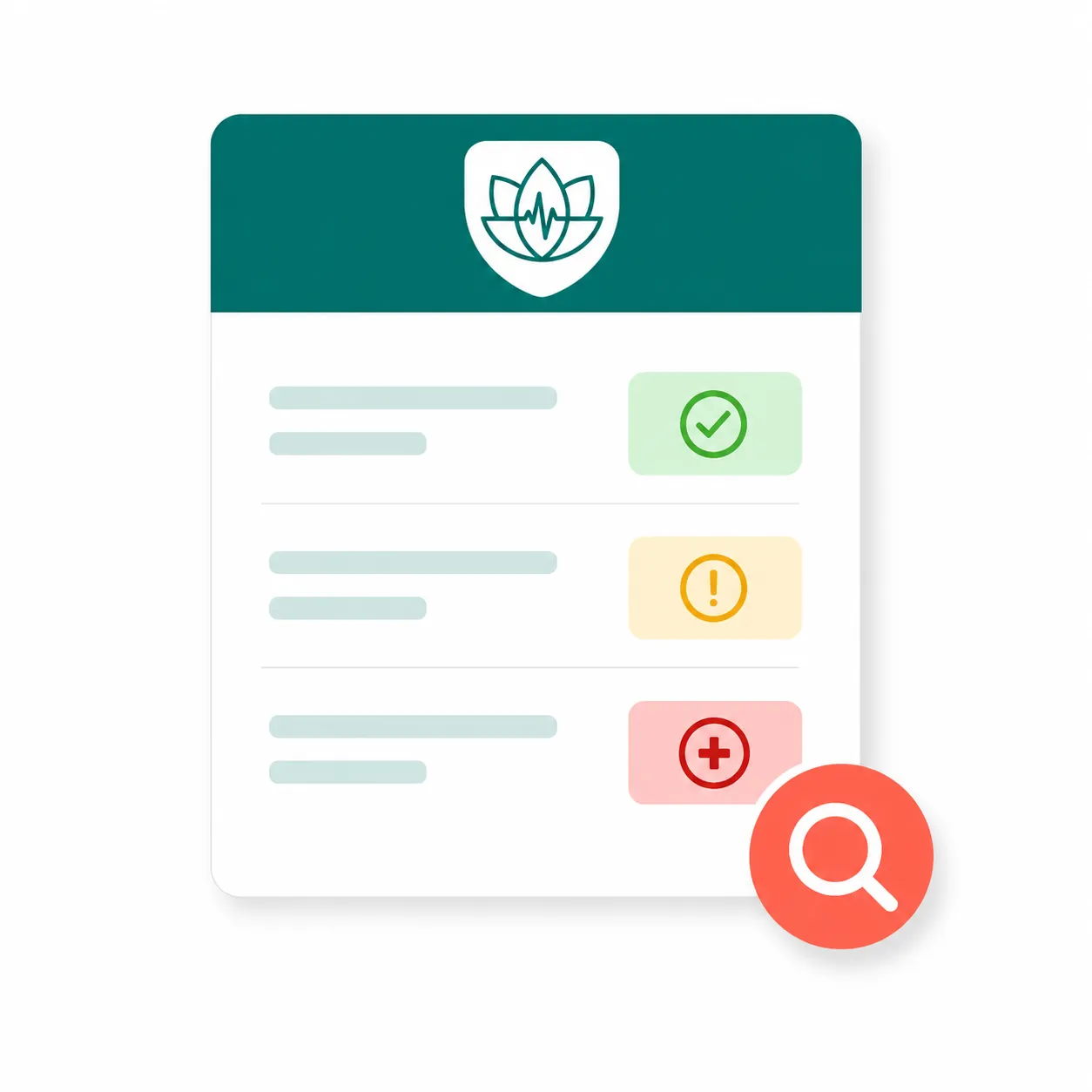
- Flagged abnormal values highlighted clearly
- Trends over time showing if values are improving or worsening
- ICMR reference ranges so your doctor sees Indian-specific benchmarks
- Suggested questions you can ask during your appointment
How to Create a Doctor Pack
Step 1: Upload Your Report Open Ashvi and upload your latest lab report — PDF or photo.
Step 2: Let Velora Analyze Velora reads every value and flags what needs attention.
Step 3: Generate Doctor Pack Tap "Doctor Pack" — Velora creates a clean, structured summary in seconds.
Step 4: Share on WhatsApp Tap "Share" and select your doctor's WhatsApp contact. Done.
What Your Doctor Sees
Instead of a hard-to-read PDF, your doctor sees:
- A clean summary with your name and date
- Abnormal values highlighted in context
- Previous values for comparison (if available)
- Questions you want to discuss
Why a Structured Summary Helps
Doctors in India see a high volume of patients each day, often with very little time per consultation. A clear, structured summary is designed to make that time count:
- It surfaces abnormal values immediately, instead of buried in a multi-page PDF
- It shows trends over time, which matters most for chronic conditions like diabetes and thyroid
- It lets you arrive prepared, with the right questions ready to ask
The goal is simple: better conversations with your doctor, in less time.
Request Early Access
Ashvi Health is opening access in small groups. Join the waitlist to request an invitation and try Doctor Pack when a place becomes available.
Curious about your own report?
Velora reads your values back to you in your language, then helps you prepare what to ask a clinician.